How to List a Property on Makao Match: Step-by-Step Guide
By Makao Match Team
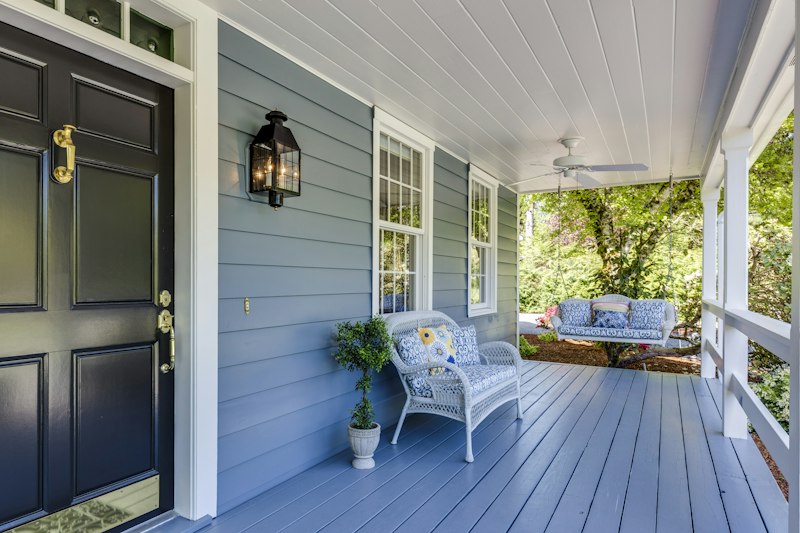
Listing a property on Makao Match takes less than five minutes, whether you're a landlord with a single flat or an agent running a dozen. The mechanics are simple, the difference between a listing that fills fast and one that lingers is all in the details.
To get it live, sign in at makaomatch.co.ke and click "Create Listing" from your dashboard or the top menu. Fill in the essentials, property type, location by city and estate, the monthly rent or sale price, the size, bedrooms and amenities, and an honest, specific description. Add high-quality photos (listings with three or more get around five times the views), hit Publish, and it's live immediately.
What separates a great listing from an average one comes down to a few habits. Photos matter most, shoot in daylight, show every room, and include the view and common areas. Be straight about the price, because hidden fees just frustrate tenants and waste everyone's time. Spell out the amenities that people search for: parking, water, WiFi, gym, security, a borehole. Keep it current by marking units as rented once they're occupied. And get verified, verified listings rank higher and pull more inquiries.
On the free plan you can list one property, which is plenty for a single landlord. Agents and owners juggling several units will want to upgrade to list five, twenty or unlimited. List once and you reach thousands, your next tenant is already searching.